Bot Reception Settings
Each number can be configured with a Chatbot that will automatically receive customers during the configured working hours. If you have not added a Chatbot yet, please go to the Chatbot page to add one.
Note: The priority of Chatbot reception is higher than that of the agent assignment rules. During the configured time, all conversations will first go through the chatbot.
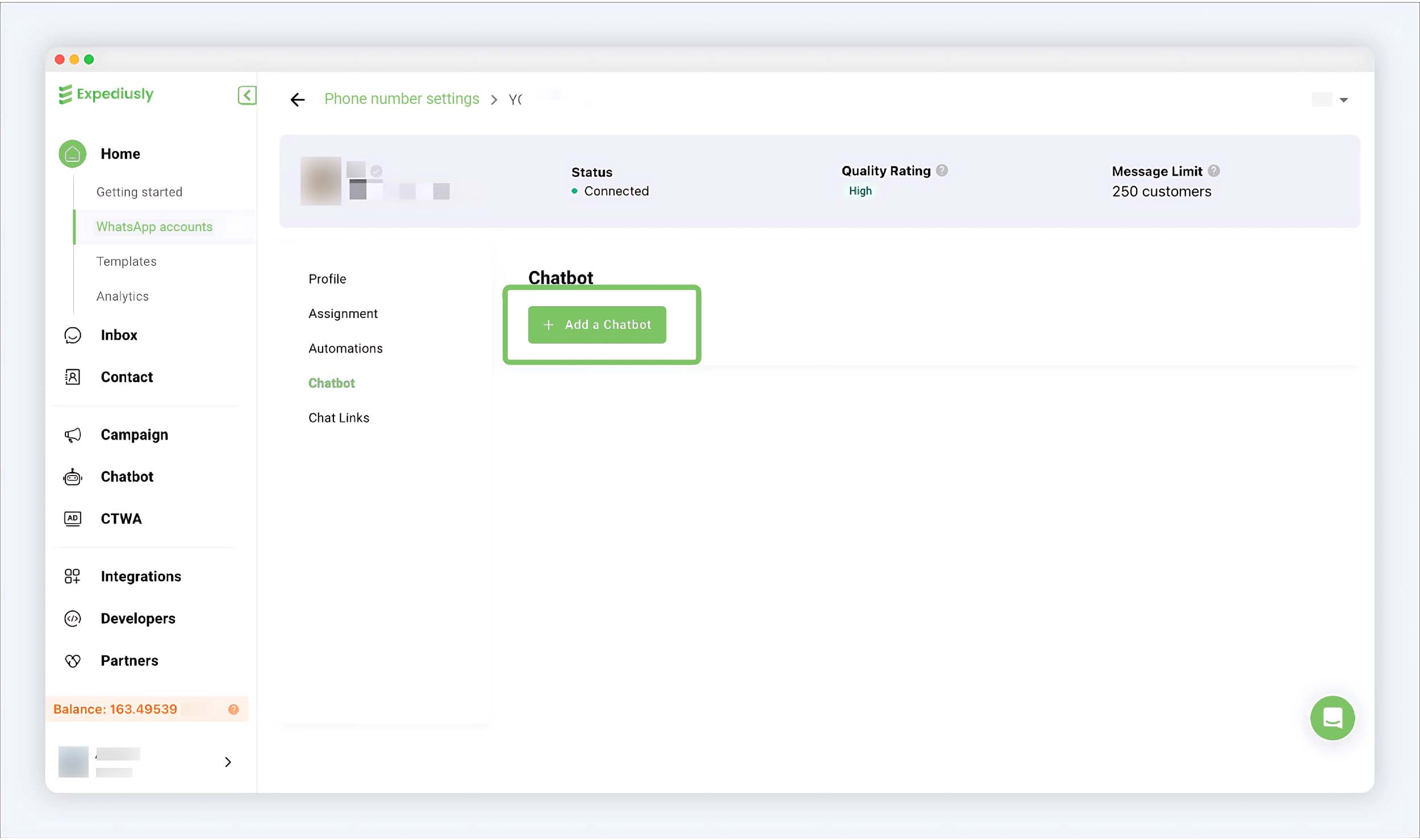
Step 1: Enter Chatbot Settings
Setup guidance: Home > WhatsApp accounts > Number's Settings > Chatbot
image
Step 2: Associate Chatbot
Click + Add a Chatbot
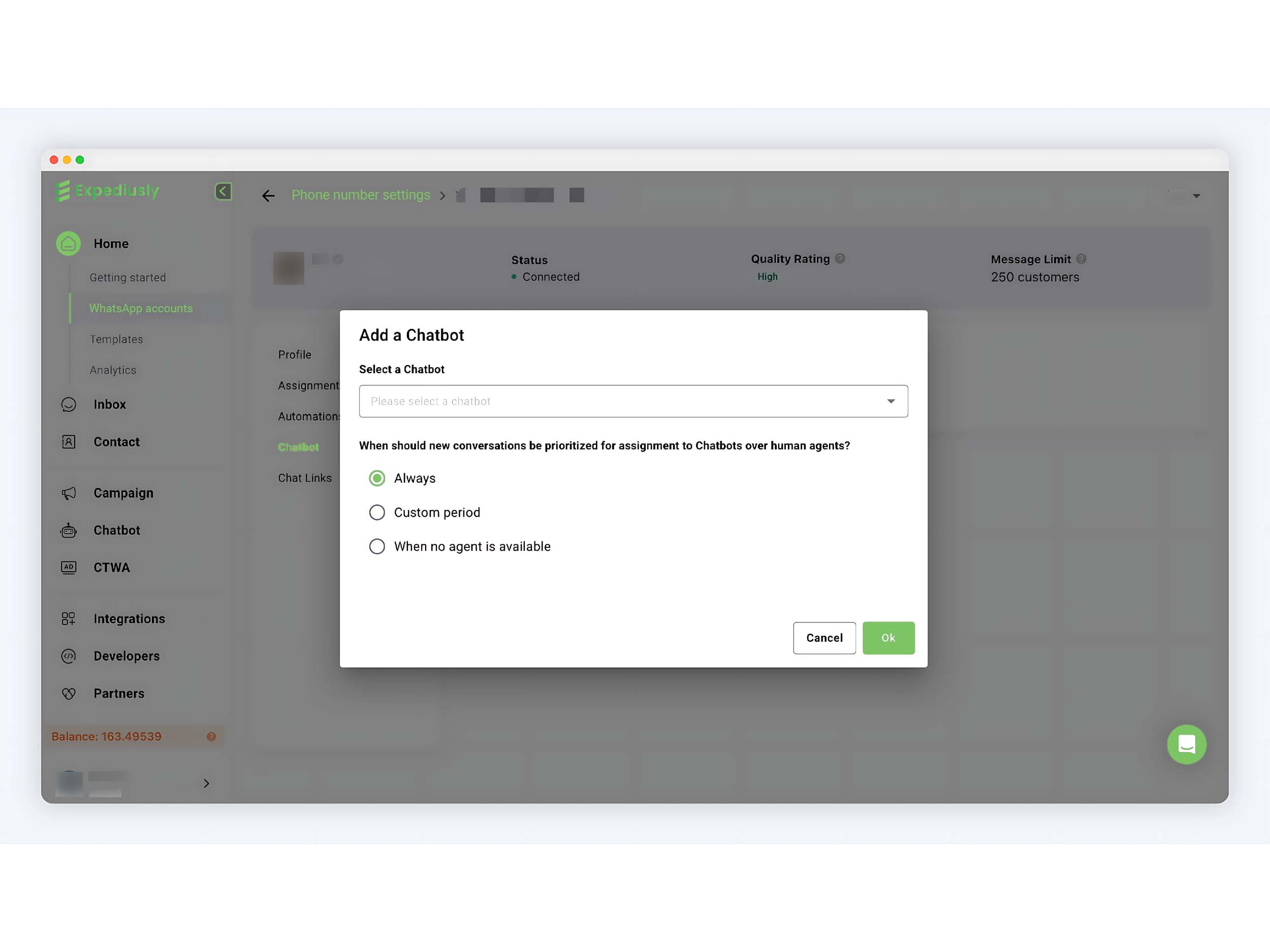
Select the chatbot to be configured and set the chatbot's reception time. Configurable options:
-
Always stay online for reception.
-
Receive during specified time periods.
-
Receive when all agents are offline.
Click ok to save after editing.